Guide: How to Use Heatmaps and Session Recordings to Improve Your Website
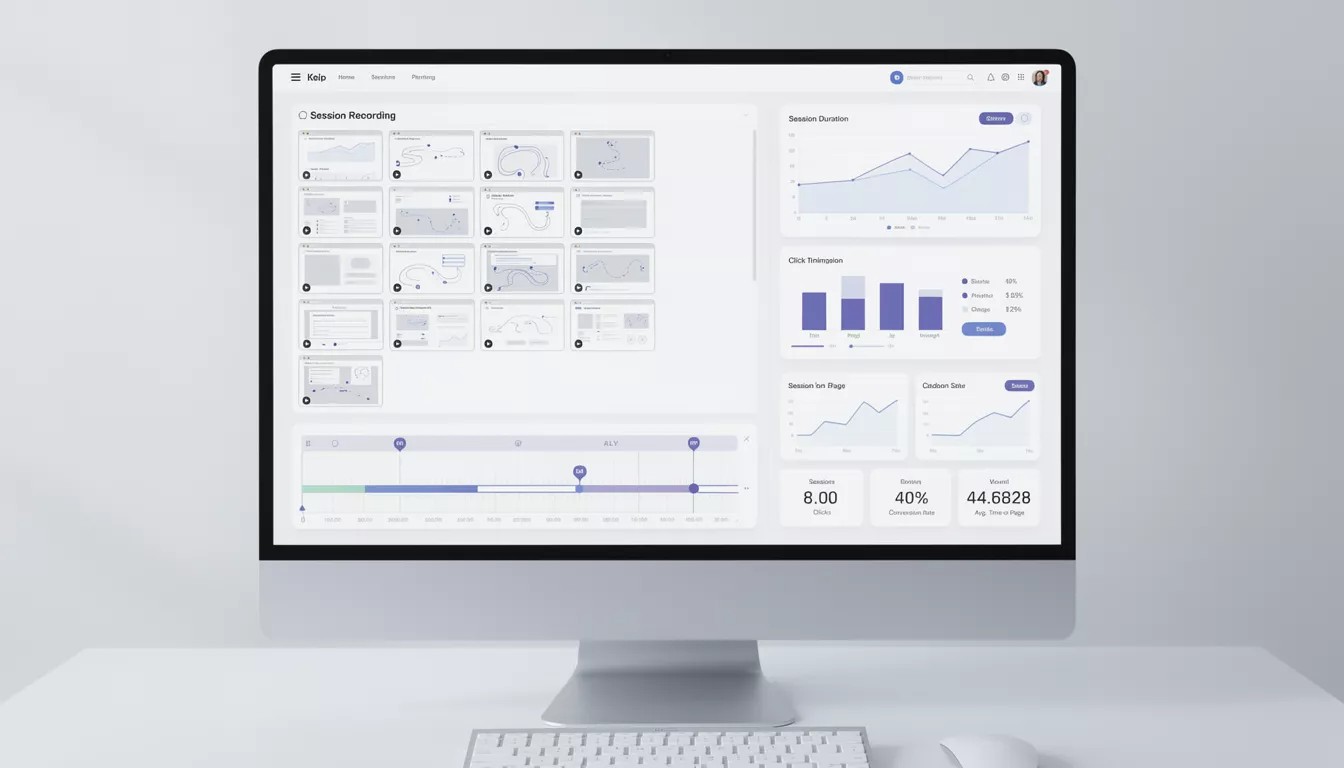
How to Use Heatmaps and Session Recordings to Improve Your Website Heatmaps and session recordings show how real users interact with your website—what they click, where they scroll and where they get stuck. For Sri Lankan businesses, these tools provide practical insight to improve conversions w...
How to Use Heatmaps and Session Recordings to Improve Your Website
Heatmaps and session recordings show how real users interact with your website—what they click, where they scroll and where they get stuck. For Sri Lankan businesses, these tools provide practical insight to improve conversions without guessing.joomlasrilanka
What Heatmaps and Session Recordings Show You
Heatmaps aggregate user behaviour into visual maps that highlight high‑ and low‑engagement areas. Session recordings let you watch individual user journeys like a screen recording.joomlasrilanka
Types of heatmaps:
- Click maps: Show where users click or tap.
- Scroll maps: Show how far users scroll down each page.
- Move maps (desktop): Show where mouse cursors tend to hover.
These insights help you understand whether users see your CTAs, get confused by layouts or ignore important sections.
Step 1: Decide Which Pages to Track
Start with the pages that matter most to your business goals and traffic.joomlasrilanka
Priority pages:
- Home page
- Main service pages (e.g., “Web Design Sri Lanka”)
- Pricing or packages page
- Contact page or lead capture forms
- Key landing pages from ads or campaigns
This focused approach keeps your analysis manageable and impactful.
Step 2: Interpret Click and Scroll Heatmaps
Once data is collected, look at where users are paying attention—and where they aren’t.
Things to look for:
- Dead areas: Sections with almost no clicks or scroll, indicating wasted space or content.
- Rage clicks: Repeated clicks on non‑clickable elements (like plain text that users think is a button).
- Scroll depth: Where most users stop scrolling; critical CTAs should be above this line.
Use these findings to reposition CTAs, simplify layouts or rewrite confusing headings.
Step 3: Use Session Recordings to Find Hidden Problems
Session recordings reveal issues that heatmaps alone can’t show.joomlasrilanka
Common problems:
- Users struggling to fill forms (validation errors, unclear fields).
- Confusing navigation or menu structures.
- Mobile users having trouble tapping small buttons or links.
Watching a few recordings from different device types can quickly highlight UX issues you would never discover from analytics numbers alone.
Step 4: Plan and Test Improvements
Use your insights to create a list of specific UX changes.
Examples:
- Move primary CTA higher up on the page.
- Remove distracting elements near key forms.
- Increase button size and spacing for mobile users.
- Rewrite headings to clarify what each section is about.
After implementing changes, run new heatmaps and recordings to confirm whether engagement and conversions improve.
A web design company in Sri Lanka like Mobiz International – Web Design Company in Sri Lanka can help interpret these tools and turn data into clear design decisions.joomlasrilanka
Related Articles

PickMe: Sri Lanka's Ride-Hailing Pioneer Revolutionizing Local Mobility and Tech Innovation
Introduction: PickMe as Sri Lanka's Tech Beacon In the bustling streets of Colombo, where tuk-tuks weave through traffic and commuters juggle smartphones amid variable 4G signals, PickMe has emerged as a quintessential symbol of Sri Lankan IT ingenuity. Launched in 2015 by local entrepreneurs, this...

WSO2: Sri Lanka's Tech Powerhouse Driving the Digital Revolution
Introduction to WSO2: Sri Lanka's Homegrown Tech Giant Sri Lanka's technology sector is rapidly evolving, fueled by government investments like the 35.6 billion Sri Lankan rupees (approximately US$120 million) allocated in the 2026 Budget for digital transformation across sectors, including national...

Guide: How to Choose a Domain Name and Hosting for Your Business
How to Choose a Domain Name and Hosting for Your Sri Lankan Business Your domain name and hosting are the foundation of your online presence; changing them later can be painful and expensive. Choosing wisely at the start helps your Sri Lankan business look professional, load quickly and stay sec...
Guide: Website Launch Checklist for Sri Lankan Businesses
Website Launch Checklist for Sri Lankan Businesses Launching a new website is exciting, but skipping key checks can lead to broken pages, SEO issues and lost leads. A structured launch checklist helps Sri Lankan businesses go live confidently and avoid common mistakes.joomlasrilanka Step...