Best Alternatives to Expensive Software
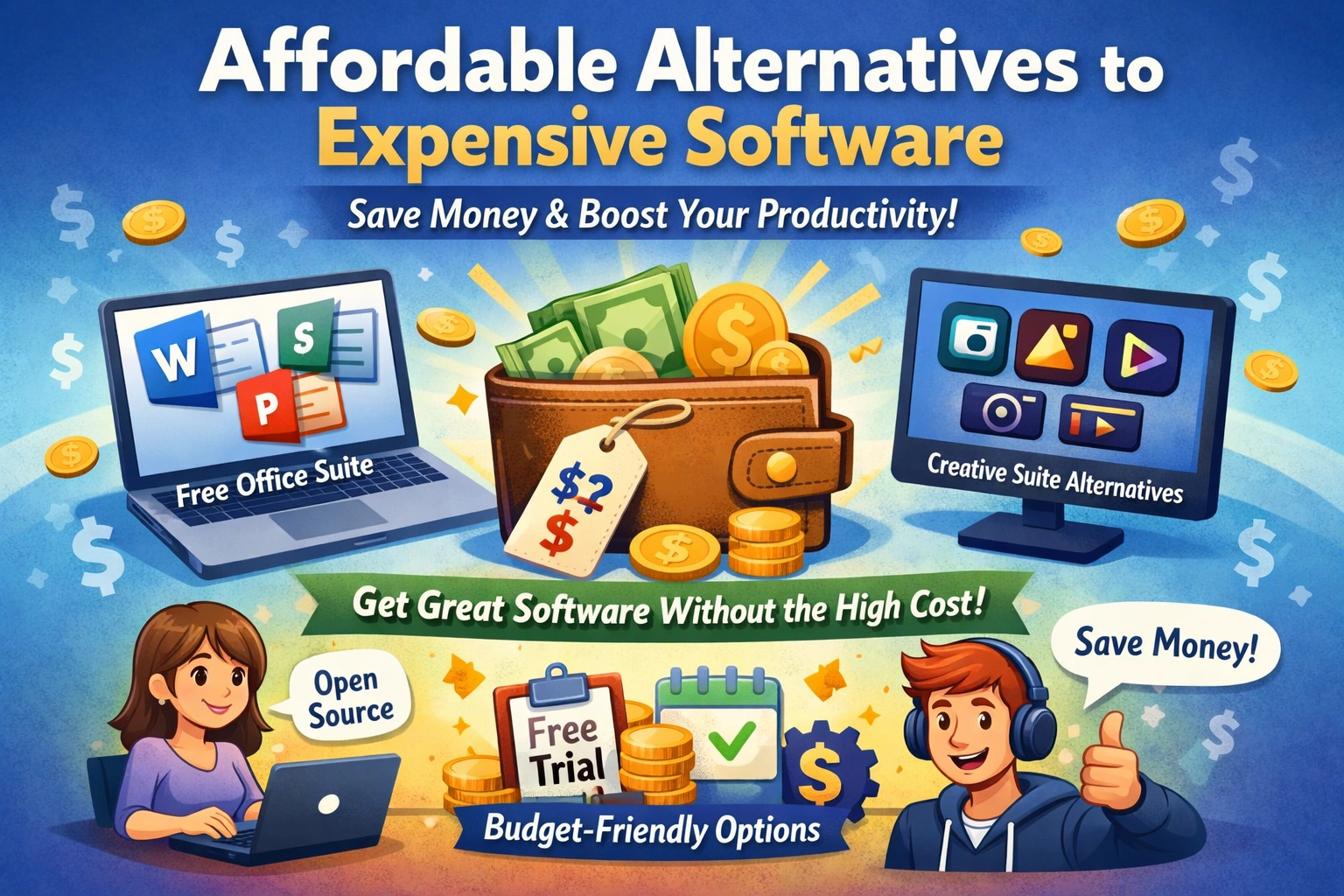
You're likely no stranger to the frustration of expensive software prices. Whether you're a student, freelancer, or business owner, the cost of software can quickly add up and eat into your budget. But what if you could access high-quality software without breaking the bank? The good news is that...
Introduction to Expensive Software Alternatives
Expensive software can be a significant burden for individuals and businesses alike. Common examples of expensive software include Microsoft Office, Adobe Creative Cloud, and specialized software like Autodesk and SolidWorks. These software solutions often come with hefty price tags, which can be prohibitive for those on a tight budget. However, the benefits of using alternatives to expensive software are numerous. For one, you can save a significant amount of money, which can be invested in other areas of your business or personal projects. Additionally, many alternative software solutions offer similar features and functionality to their expensive counterparts, making them a viable option for those looking to save money. Another benefit of using alternative software is that it can help you avoid vendor lock-in. When you're tied to a particular software solution, you're often at the mercy of the vendor's pricing and upgrade cycle. By using alternative software, you can avoid this lock-in and have more flexibility to switch to different solutions as your needs change. Furthermore, many alternative software solutions are open-source, which means that they're community-driven and often more secure than their proprietary counterparts. For example, the city of Munich in Germany saved millions of euros by switching from Microsoft Office to the open-source alternative, LibreOffice. This switch not only saved the city money but also improved the security and flexibility of their software solutions. Similarly, you can benefit from using alternative software solutions, whether you're an individual or a business. By exploring the options available, you can find the best fit for your needs and budget.Top Free Alternatives to Microsoft Office
Microsoft Office is one of the most widely used software suites in the world, but it can be expensive, especially for individuals and small businesses. Fortunately, there are several free alternatives to Microsoft Office that offer similar features and functionality. One of the most popular alternatives is LibreOffice, which is a free and open-source office suite that includes word processing, spreadsheet, and presentation software. LibreOffice is compatible with Microsoft Office file formats, making it easy to switch from Microsoft Office. Another popular alternative to Microsoft Office is Google Docs, which is a cloud-based office suite that includes word processing, spreadsheet, and presentation software. Google Docs is free to use and offers real-time collaboration features, making it ideal for teams and businesses. OpenOffice is another free alternative to Microsoft Office that offers similar features and functionality. OpenOffice is also compatible with Microsoft Office file formats and is available for Windows, Mac, and Linux. For example, the non-profit organization, Wikimedia Foundation, uses LibreOffice to create and edit documents, spreadsheets, and presentations. By using LibreOffice, the organization has saved thousands of dollars on software costs, which can be used to support their mission. Similarly, you can benefit from using free alternatives to Microsoft Office, whether you're an individual or a business. By exploring the options available, you can find the best fit for your needs and budget. In addition to these alternatives, there are many other free office suites available, including Zoho Office and WPS Office. These suites offer a range of features and functionality, including word processing, spreadsheet, and presentation software. By using these free alternatives, you can save money on software costs and improve your productivity.Best Cheap Alternatives to Adobe Creative Cloud
 Adobe Creative Cloud is a popular suite of creative applications, including Photoshop, Illustrator, and InDesign. However, the cost of Adobe Creative Cloud can be prohibitive for many individuals and businesses. Fortunately, there are several cheap alternatives to Adobe Creative Cloud that offer similar features and functionality. One of the most popular alternatives is GIMP, which is a free and open-source image editing software that offers many of the same features as Adobe Photoshop.
Another popular alternative to Adobe Creative Cloud is Canva, which is a cloud-based graphic design software that offers a range of templates, design tools, and features. Canva is free to use, with optional paid upgrades for additional features and functionality. Sketch is another popular alternative to Adobe Creative Cloud, which is a digital design tool that offers many of the same features as Adobe Illustrator.
For example, the design firm, 99designs, uses Canva to create and edit graphic designs, including logos, brochures, and infographics. By using Canva, the firm has saved thousands of dollars on software costs, which can be used to support their business. Similarly, you can benefit from using cheap alternatives to Adobe Creative Cloud, whether you're an individual or a business. By exploring the options available, you can find the best fit for your needs and budget.
In addition to these alternatives, there are many other cheap alternatives to Adobe Creative Cloud available, including Affinity Photo and CorelDRAW. These applications offer a range of features and functionality, including image editing, graphic design, and illustration software. By using these cheap alternatives, you can save money on software costs and improve your productivity.
Adobe Creative Cloud is a popular suite of creative applications, including Photoshop, Illustrator, and InDesign. However, the cost of Adobe Creative Cloud can be prohibitive for many individuals and businesses. Fortunately, there are several cheap alternatives to Adobe Creative Cloud that offer similar features and functionality. One of the most popular alternatives is GIMP, which is a free and open-source image editing software that offers many of the same features as Adobe Photoshop.
Another popular alternative to Adobe Creative Cloud is Canva, which is a cloud-based graphic design software that offers a range of templates, design tools, and features. Canva is free to use, with optional paid upgrades for additional features and functionality. Sketch is another popular alternative to Adobe Creative Cloud, which is a digital design tool that offers many of the same features as Adobe Illustrator.
For example, the design firm, 99designs, uses Canva to create and edit graphic designs, including logos, brochures, and infographics. By using Canva, the firm has saved thousands of dollars on software costs, which can be used to support their business. Similarly, you can benefit from using cheap alternatives to Adobe Creative Cloud, whether you're an individual or a business. By exploring the options available, you can find the best fit for your needs and budget.
In addition to these alternatives, there are many other cheap alternatives to Adobe Creative Cloud available, including Affinity Photo and CorelDRAW. These applications offer a range of features and functionality, including image editing, graphic design, and illustration software. By using these cheap alternatives, you can save money on software costs and improve your productivity.
Open Source Alternatives to Expensive Software
Introduction to Open Source Software
Open source software is software that is released under a license that allows users to view, modify, and distribute the software freely. Open source software is often community-driven, with many contributors working together to develop and maintain the software. One of the most popular open source operating systems is Linux, which is a free and open-source alternative to Windows and macOS. Another popular open source software is Apache, which is a free and open-source web server software that is widely used for hosting websites and web applications. MySQL is another popular open source software, which is a free and open-source relational database management system that is widely used for storing and managing data. For example, the online retailer, Amazon, uses Linux and Apache to power their website and web applications. By using open source software, Amazon has saved millions of dollars on software costs, which can be used to support their business. Similarly, you can benefit from using open source software, whether you're an individual or a business. By exploring the options available, you can find the best fit for your needs and budget. In addition to these examples, there are many other open source alternatives to expensive software available, including Firefox and Thunderbird. These applications offer a range of features and functionality, including web browsing, email, and productivity software. By using these open source alternatives, you can save money on software costs and improve your productivity.Free Trials and Demos: Trying Before You Buy
Free trials and demos are a great way to try before you buy, especially when it comes to expensive software. Many software vendors offer free trials or demos of their products, which can give you a chance to test the software and see if it's a good fit for your needs. The benefits of free trials and demos are numerous, including the ability to test the software's features and functionality, as well as the opportunity to evaluate the software's performance and compatibility with your system. To use free trials and demos effectively, it's essential to have a clear understanding of your needs and requirements. Make a list of the features and functionality you need, and then test the software to see if it meets your requirements. It's also essential to read reviews and testimonials from other users to get a sense of the software's strengths and weaknesses. Additionally, be sure to check the terms and conditions of the free trial or demo, including any limitations or restrictions on usage. For example, the software company, Salesforce, offers a free trial of their customer relationship management (CRM) software. By using the free trial, you can test the software's features and functionality, including sales, marketing, and customer service tools. Similarly, you can benefit from using free trials and demos, whether you're an individual or a business. By exploring the options available, you can find the best fit for your needs and budget. In addition to these examples, there are many other free trials and demos available, including Microsoft Office 365 and Adobe Creative Cloud. These trials and demos offer a range of features and functionality, including office productivity, creative applications, and cloud storage. By using these free trials and demos, you can save money on software costs and improve your productivity.Conclusion: Saving Money with Free Software Alternatives
By using free software alternatives, you can save a significant amount of money on software costs, which can be invested in other areas of your business or personal projects. Additionally, many free software alternatives offer similar features and functionality to their expensive counterparts, making them a viable option for those looking to save money. For example, the non-profit organization, Wikimedia Foundation, uses free software alternatives to save thousands of dollars on software costs, which can be used to support their mission. Increased productivity is another benefit of using free software alternatives. By using software that is tailored to your needs, you can work more efficiently and effectively, which can lead to increased productivity and better outcomes. For instance, the design firm, 99designs, uses free software alternatives to create and edit graphic designs, including logos, brochures, and infographics. By using these alternatives, the firm has saved thousands of dollars on software costs, which can be used to support their business. In conclusion, using free software alternatives is a great way to save money on software costs and improve your productivity. By exploring the options available, you can find the best fit for your needs and budget. So, what are you waiting for? Start exploring the world of free software alternatives today and discover the many benefits they have to offer.Key Takeaways
The key takeaway from this article is that there are many affordable alternatives to expensive software, and by exploring these options, you can save money and improve your productivity. Whether you're an individual or a business, using free software alternatives can be a great way to reduce software costs and achieve your goals. So, what's the next step? Will you start exploring the world of free software alternatives today, or will you continue to overspend on expensive software? The choice is yours.Frequently Asked Questions
What are the benefits of using free software alternatives?
The benefits of using free software alternatives include cost savings, increased productivity, and access to a wide range of features and tools
Are free software alternatives as good as expensive software?
Free software alternatives can be just as good as expensive software, depending on your specific needs and requirements
Related Articles
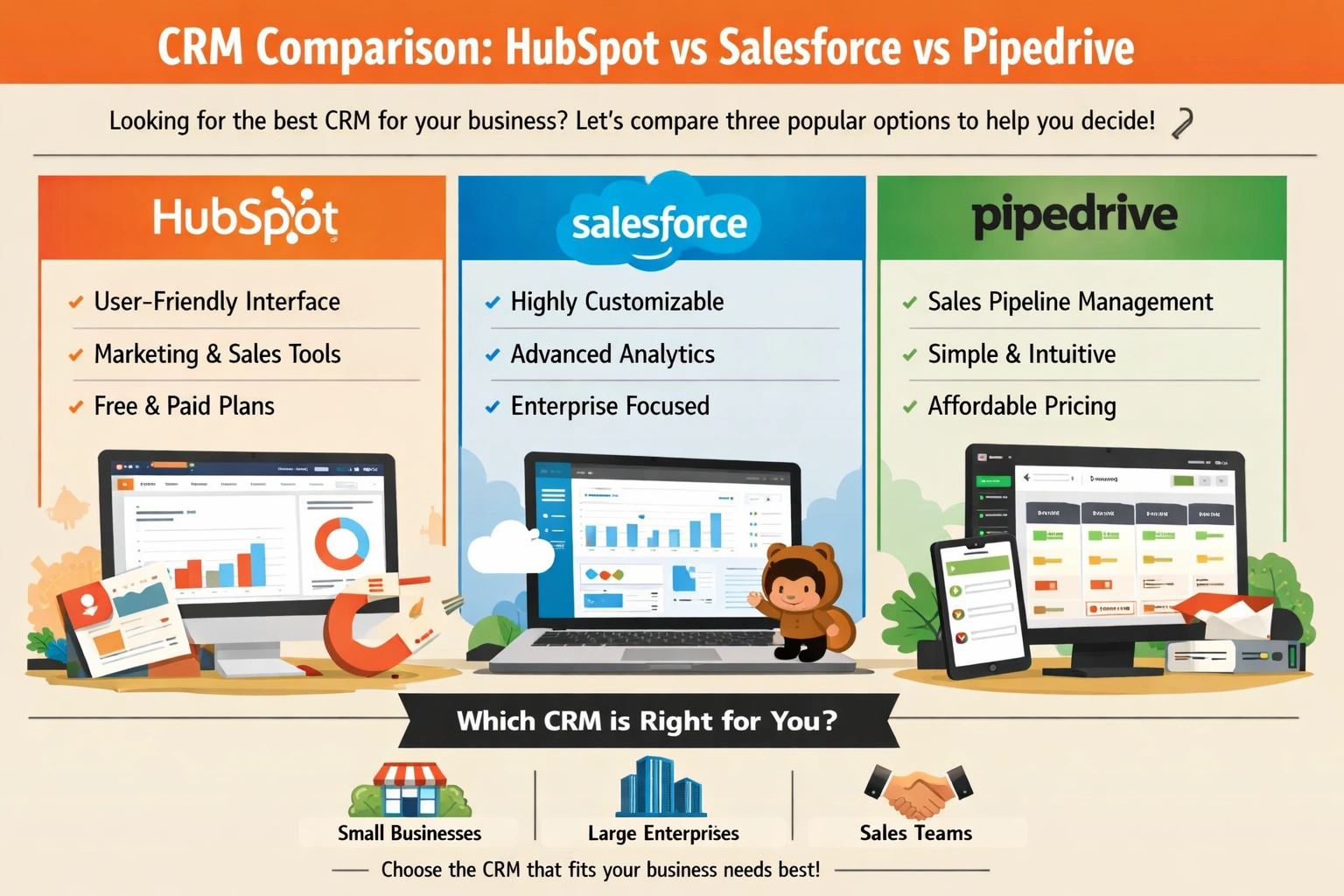
CRM Comparison: HubSpot vs Salesforce vs Pipedrive
You're sitting at your desk, staring at a pile of business cards, notes, and spreadsheets, trying to make sense of your customer interactions. You know that managing your relationships with customers is key to growing your business, but it's getting increasingly difficult to keep track of everythi...
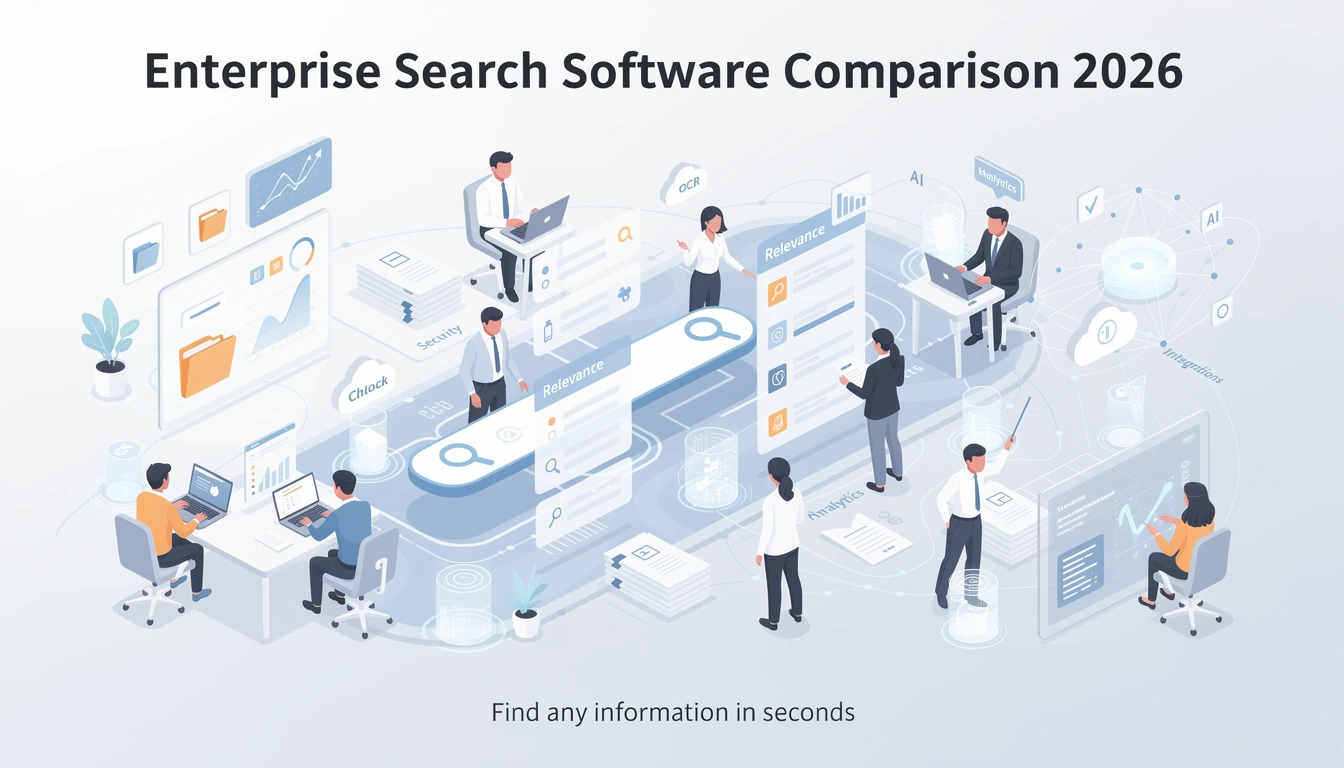
Enterprise Search Software Comparison 2026
Imagine being able to find any piece of information you need within your organization in a matter of seconds. Sounds like a dream, right? Well, with the right enterprise search software, this can become a reality. You might be wondering, what exactly is enterprise search software and how can it be...
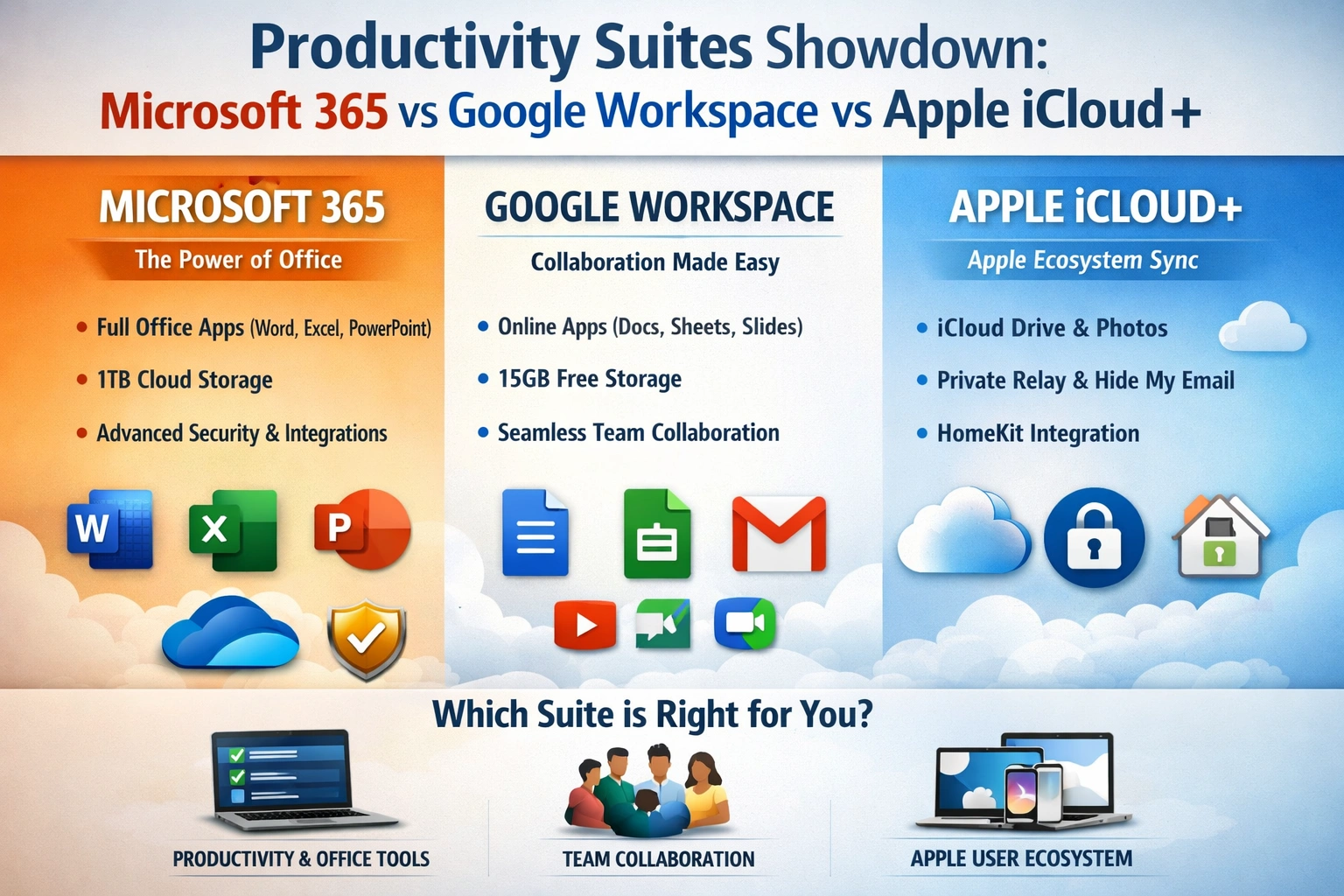
Productivity Suites: Microsoft 365 vs Google Workspace vs Apple iCloud+
As you strive to manage your work and personal life more efficiently, you're likely considering a productivity suite to help you stay organized and focused. With numerous options available, selecting the right one can be overwhelming. You want a suite that integrates well with your existing tools,...