CRM Comparison: HubSpot vs Salesforce vs Pipedrive
You're sitting at your desk, staring at a pile of business cards, notes, and spreadsheets, trying to make sense of your customer interactions. You know that managing your relationships with customers is key to growing your business, but it's getting increasingly difficult to keep track of everythi...
Introduction to CRM Systems
A CRM system is a software application that enables businesses to manage and analyze customer interactions and data throughout the customer lifecycle. The primary goal of a CRM system is to improve business relationships with customers, specifically focusing on customer retention and ultimately driving sales growth. A good CRM system should provide a 360-degree view of your customers, including their contact information, interaction history, and sales data. The importance of CRM systems cannot be overstated. According to a study by Gartner, companies that use CRM systems see an average increase of 10-15% in sales revenue. Additionally, CRM systems can help businesses improve customer satisfaction, reduce customer churn, and increase customer loyalty. For example, a company like Amazon uses CRM systems to personalize customer experiences, offer tailored recommendations, and provide exceptional customer service. When choosing a CRM system, it's essential to consider your business needs and goals. You should think about the size of your business, the complexity of your sales process, and the level of customization you require. You should also consider the level of support and training you need, as well as the scalability of the CRM system. By taking the time to carefully evaluate your options, you can find a CRM system that meets your needs and helps you achieve your business goals.HubSpot CRM Overview
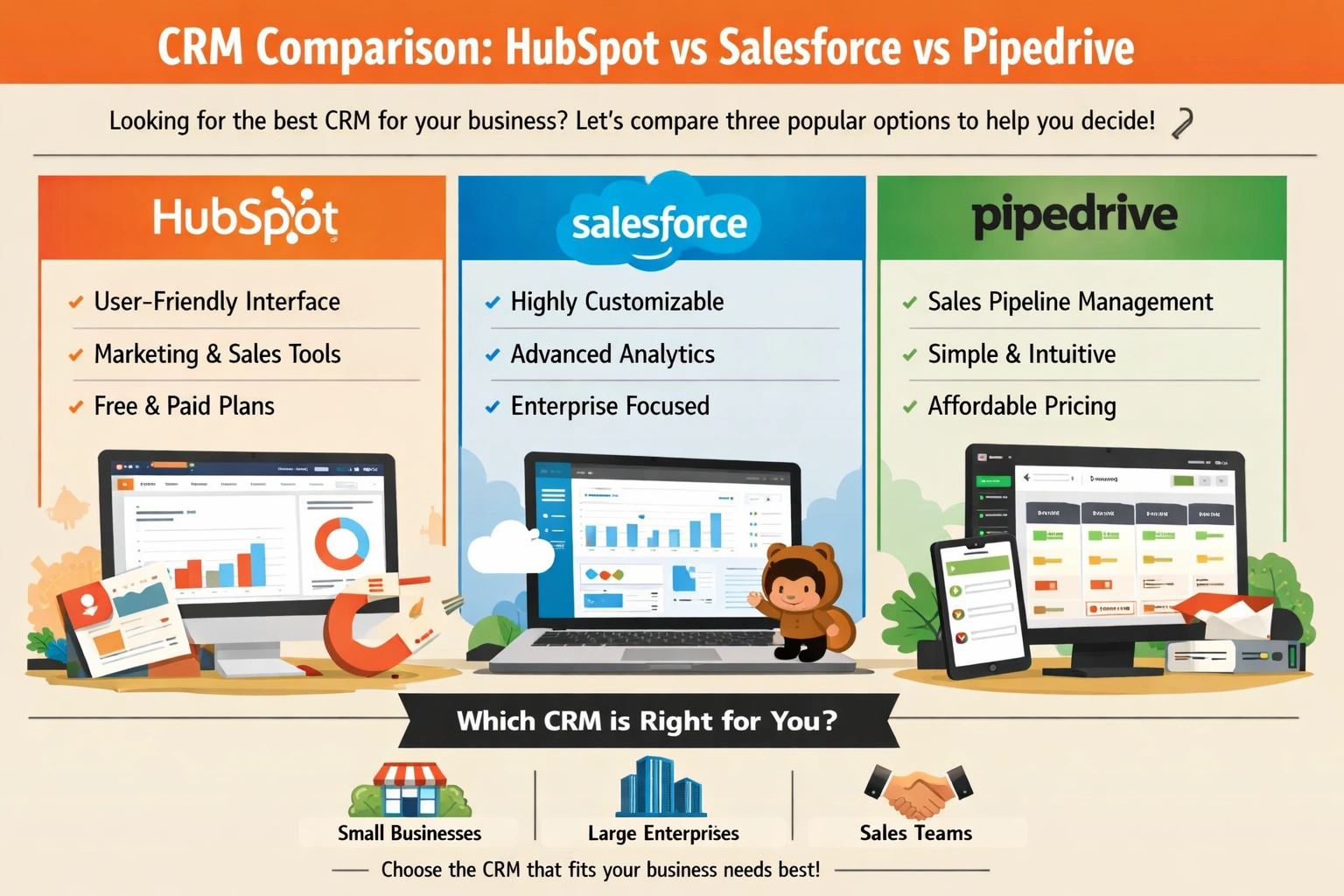
HubSpot is an all-in-one inbound marketing, sales, and customer service platform that includes a powerful CRM system. HubSpot's CRM features include contact and company management, sales pipeline management, and deal tracking. It also provides a range of marketing and sales tools, including email marketing, lead generation, and social media management. One of the key benefits of HubSpot's CRM is its ease of use. The platform is highly intuitive, with a user-friendly interface that makes it easy to manage contacts, track interactions, and analyze sales performance. HubSpot also offers a range of integrations with other business apps, including Google Drive, Slack, and Microsoft Office. For example, a company like HubSpot Agency Partner uses HubSpot's CRM to manage its sales pipeline, track customer interactions, and provide personalized customer experiences. HubSpot's pricing plans start at $50 per month for the Starter plan, which includes basic CRM features and limited marketing and sales tools. The Professional plan, which costs $800 per month, includes more advanced features, such as lead scoring, sales forecasting, and customer journey mapping. The Enterprise plan, which costs $2,000 per month, includes all the features of the Professional plan, plus additional support and training.Salesforce CRM Overview
Salesforce is a cloud-based CRM platform that provides a range of features for sales, marketing, and customer service teams. Salesforce's CRM features include account and contact management, sales pipeline management, and opportunity tracking. It also provides a range of analytics and reporting tools, including sales forecasting, customer segmentation, and marketing attribution. One of the key benefits of Salesforce's CRM is its scalability. The platform is highly customizable, with a range of integrations and APIs that make it easy to integrate with other business apps. Salesforce also offers a range of industry-specific solutions, including financial services, healthcare, and retail. For example, a company like American Express uses Salesforce's CRM to manage its customer relationships, track sales performance, and provide personalized customer experiences. Salesforce's pricing plans start at $25 per user per month for the Essentials plan, which includes basic CRM features and limited analytics and reporting tools. The Professional plan, which costs $75 per user per month, includes more advanced features, such as sales forecasting, customer journey mapping, and marketing automation. The Enterprise plan, which costs $150 per user per month, includes all the features of the Professional plan, plus additional support and training.Pipedrive CRM Overview
Pipedrive is a sales-focused CRM platform that provides a range of features for managing sales pipelines and tracking customer interactions. Pipedrive's CRM features include pipeline management, deal tracking, and sales forecasting. It also provides a range of analytics and reporting tools, including sales performance metrics, customer segmentation, and marketing attribution. One of the key benefits of Pipedrive's CRM is its ease of use. The platform is highly intuitive, with a user-friendly interface that makes it easy to manage sales pipelines, track customer interactions, and analyze sales performance. Pipedrive also offers a range of integrations with other business apps, including Google Drive, Slack, and Microsoft Office. For example, a company like Pipedrive Agency Partner uses Pipedrive's CRM to manage its sales pipeline, track customer interactions, and provide personalized customer experiences. Pipedrive's pricing plans start at $15 per user per month for the Essential plan, which includes basic CRM features and limited analytics and reporting tools. The Advanced plan, which costs $29 per user per month, includes more advanced features, such as sales forecasting, customer journey mapping, and marketing automation. The Professional plan, which costs $59 per user per month, includes all the features of the Advanced plan, plus additional support and training.Comparison of HubSpot, Salesforce, and Pipedrive
 When it comes to choosing a CRM system, it's essential to compare the features, pricing, and suitability of each option. HubSpot, Salesforce, and Pipedrive are all powerful CRM platforms, but they have different strengths and weaknesses. HubSpot is ideal for businesses that want an all-in-one inbound marketing, sales, and customer service platform. Salesforce is ideal for large enterprises that require a highly customizable and scalable CRM solution. Pipedrive is ideal for small to medium-sized businesses that want a sales-focused CRM platform with a user-friendly interface.
In terms of features, all three CRM platforms offer a range of tools for managing customer interactions, tracking sales performance, and analyzing customer data. However, HubSpot's CRM is more focused on inbound marketing and sales, while Salesforce's CRM is more focused on sales and customer service. Pipedrive's CRM is more focused on sales pipeline management and deal tracking. For example, a company like Salesforce Customer uses Salesforce's CRM to manage its customer relationships, track sales performance, and provide personalized customer experiences.
In terms of pricing, HubSpot's CRM is generally more expensive than Pipedrive's CRM, but less expensive than Salesforce's CRM. However, the cost of each CRM platform will depend on the specific features and tools required by your business. It's essential to carefully evaluate your options and choose a CRM platform that meets your needs and budget. By doing so, you can find a CRM system that helps you build strong relationships with your customers, drive sales growth, and achieve your business goals.
When it comes to choosing a CRM system, it's essential to compare the features, pricing, and suitability of each option. HubSpot, Salesforce, and Pipedrive are all powerful CRM platforms, but they have different strengths and weaknesses. HubSpot is ideal for businesses that want an all-in-one inbound marketing, sales, and customer service platform. Salesforce is ideal for large enterprises that require a highly customizable and scalable CRM solution. Pipedrive is ideal for small to medium-sized businesses that want a sales-focused CRM platform with a user-friendly interface.
In terms of features, all three CRM platforms offer a range of tools for managing customer interactions, tracking sales performance, and analyzing customer data. However, HubSpot's CRM is more focused on inbound marketing and sales, while Salesforce's CRM is more focused on sales and customer service. Pipedrive's CRM is more focused on sales pipeline management and deal tracking. For example, a company like Salesforce Customer uses Salesforce's CRM to manage its customer relationships, track sales performance, and provide personalized customer experiences.
In terms of pricing, HubSpot's CRM is generally more expensive than Pipedrive's CRM, but less expensive than Salesforce's CRM. However, the cost of each CRM platform will depend on the specific features and tools required by your business. It's essential to carefully evaluate your options and choose a CRM platform that meets your needs and budget. By doing so, you can find a CRM system that helps you build strong relationships with your customers, drive sales growth, and achieve your business goals.
Choosing the Right CRM for Your Business
Choosing the right CRM system for your business can be a daunting task, especially with so many options available. However, by considering your business needs and goals, you can find a CRM system that meets your requirements and helps you achieve your objectives. It's essential to think about the size of your business, the complexity of your sales process, and the level of customization you require. When evaluating CRM options, it's also essential to consider the level of support and training you need. Look for a CRM platform that offers comprehensive support and training, including online tutorials, webinars, and customer support. You should also consider the scalability of the CRM platform, and whether it can grow with your business. For example, a company like HubSpot Customer uses HubSpot's CRM to manage its customer relationships, track sales performance, and provide personalized customer experiences. Best practices for implementing a CRM system include defining clear goals and objectives, establishing a data management process, and providing comprehensive training to your sales and customer service teams. You should also regularly review and analyze your CRM data to identify areas for improvement and optimize your sales and marketing strategies. By following these best practices, you can get the most out of your CRM system and achieve your business goals.Key Takeaways
In conclusion, choosing the right CRM system for your business is a critical decision that can have a significant impact on your sales growth and customer relationships. By considering your business needs and goals, evaluating CRM options, and following best practices for implementation, you can find a CRM system that meets your requirements and helps you achieve your objectives. So, what's the next step? Take some time to research and evaluate the CRM options outlined in this article, and consider what features and tools are most important to your business. Don't be afraid to ask questions, request demos, and seek advice from CRM experts. By doing so, you can find a CRM system that helps you build strong relationships with your customers, drive sales growth, and achieve your business goals. What will you do to take your customer relationships to the next level?Frequently Asked Questions
What is the best CRM for small businesses?
The best CRM for small businesses depends on the specific needs of the business, but popular options include HubSpot and Pipedrive
How much does Salesforce cost?
The cost of Salesforce varies depending on the plan and features, but the basic plan starts at $25 per user per month
Related Articles
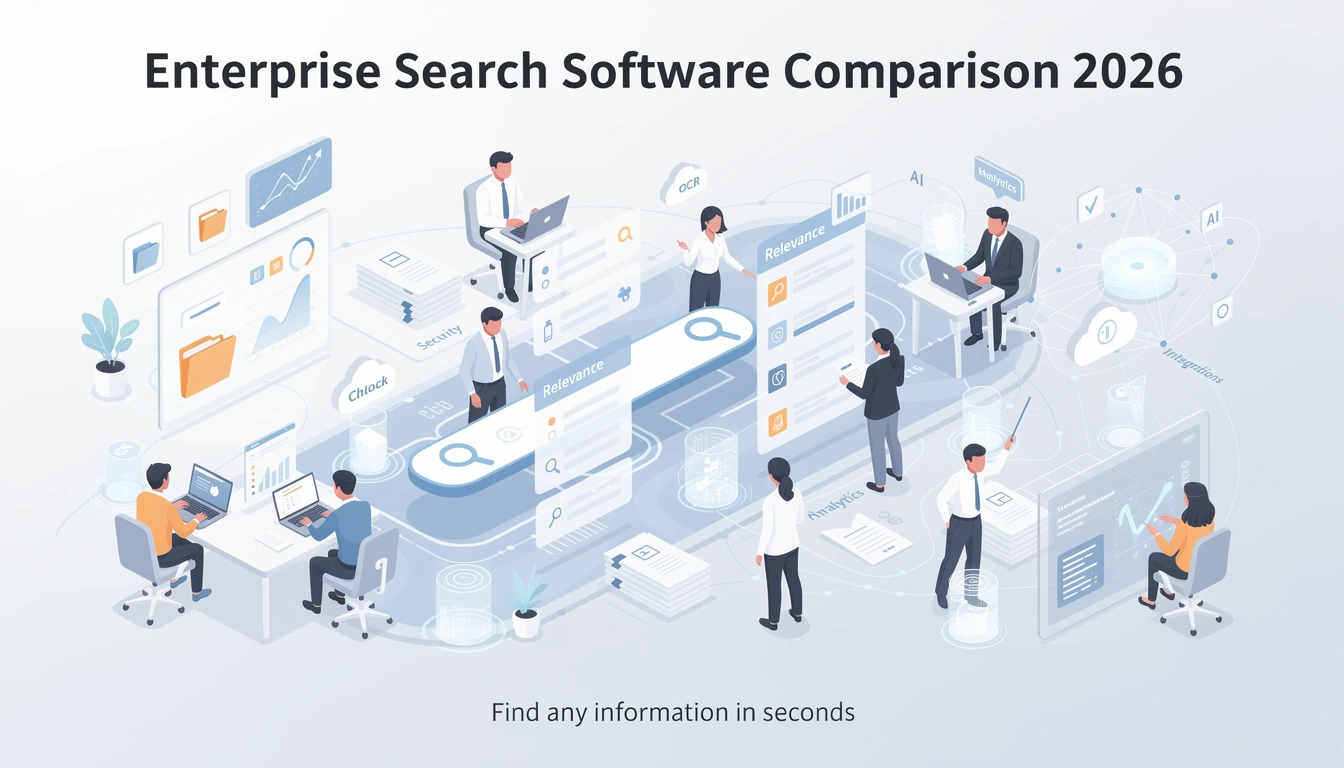
Enterprise Search Software Comparison 2026
Imagine being able to find any piece of information you need within your organization in a matter of seconds. Sounds like a dream, right? Well, with the right enterprise search software, this can become a reality. You might be wondering, what exactly is enterprise search software and how can it be...
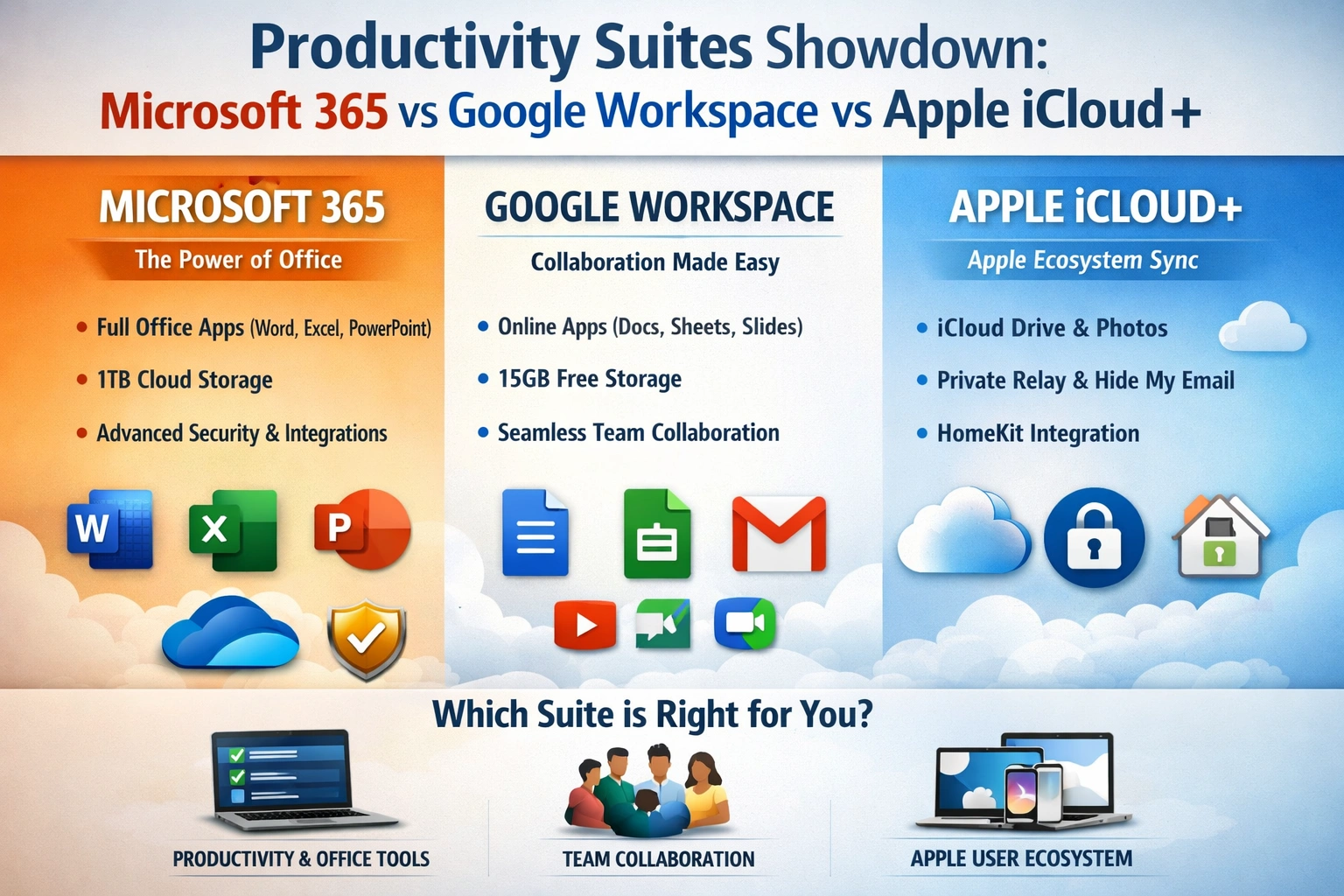
Productivity Suites: Microsoft 365 vs Google Workspace vs Apple iCloud+
As you strive to manage your work and personal life more efficiently, you're likely considering a productivity suite to help you stay organized and focused. With numerous options available, selecting the right one can be overwhelming. You want a suite that integrates well with your existing tools,...
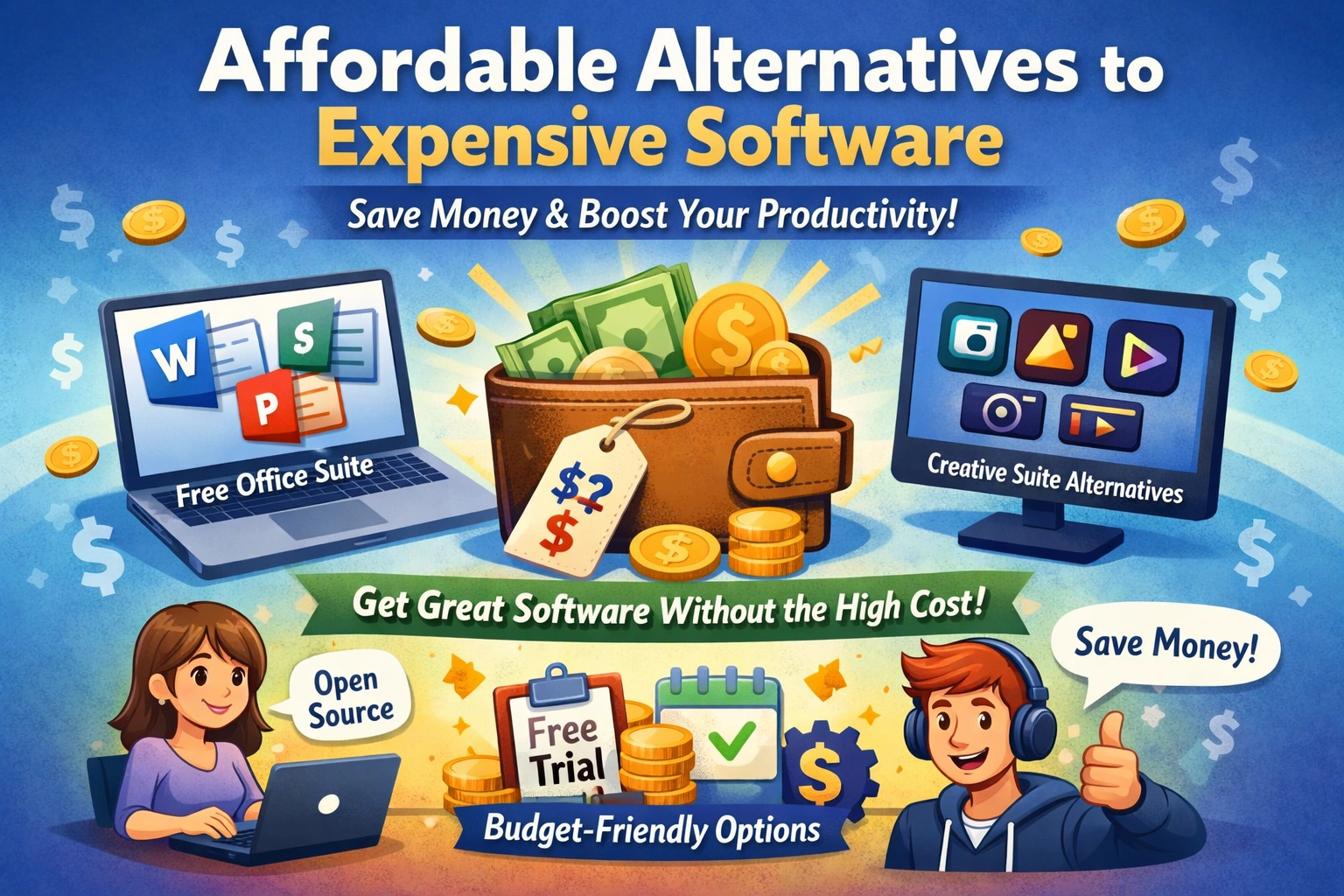
Best Alternatives to Expensive Software
You're likely no stranger to the frustration of expensive software prices. Whether you're a student, freelancer, or business owner, the cost of software can quickly add up and eat into your budget. But what if you could access high-quality software without breaking the bank? The good news is that...