Remote Work Apps and Software Comparison
As you consider transitioning to remote work, you're likely thinking about how to stay productive, manage your team, and maintain security outside of a traditional office setting. With so many remote work apps and software options available, it can be overwhelming to decide which ones to use. You...
Introduction to Remote Work Apps
Remote work apps and software have revolutionized the way we work, enabling us to be more productive, flexible, and cost-effective. With the right tools, you can work from anywhere, at any time, and still maintain high levels of productivity and collaboration with your team. For example, flexibility is a key benefit of remote work, as it allows you to balance work and personal life more easily. A study by Upwork found that 63% of companies have remote workers, and that remote work can increase productivity by up to 25%. Another benefit of remote work apps is cost savings. By reducing the need for office space and other overhead costs, businesses can save significant amounts of money. According to a study by Global Workplace Analytics, the average business can save around $11,000 per year per remote worker. Additionally, remote work apps can help you increase productivity by providing tools for task management, time tracking, and collaboration. For instance, a study by Harvard Business Review found that remote workers are more likely to put in extra effort and be more engaged in their work. Some examples of remote work apps that can help you achieve these benefits include video conferencing tools like Zoom, project management software like Asana, and time tracking tools like Harvest. By using these tools, you can stay connected with your team, manage your work more efficiently, and maintain high levels of productivity and collaboration.Communication and Collaboration Tools
Effective communication and collaboration are essential for remote work, and there are many tools available to help you stay connected with your team. Slack is a popular communication platform that allows you to create channels for different topics, share files, and integrate with other apps. For example, you can create a channel for team announcements, another for project discussions, and another for social chatter. Microsoft Teams is another communication platform that integrates with Office 365 and allows you to create teams, channels, and meetings. Asana is a project management tool that helps you track tasks, deadlines, and progress. You can create projects, assign tasks to team members, and set deadlines. Asana also integrates with other apps, such as Google Drive and Slack, to help you stay organized. For instance, you can use Asana to manage a marketing campaign, assigning tasks to team members and tracking progress. Other communication and collaboration tools include Trello, which uses boards, lists, and cards to organize tasks, and Google Workspace, which provides a suite of productivity apps, including Gmail, Google Drive, and Google Docs. When choosing communication and collaboration tools, consider the size of your team, the type of work you do, and the level of integration you need with other apps. For example, if you have a small team, you may prefer a simple communication platform like Slack, while a larger team may require a more robust project management tool like Asana. By using the right communication and collaboration tools, you can stay connected with your team, manage your work more efficiently, and maintain high levels of productivity and collaboration.Project Management and Task Automation
Project management and task automation tools help you manage your work, track progress, and automate repetitive tasks. Trello is a popular project management tool that uses boards, lists, and cards to organize tasks. You can create boards for different projects, lists for different stages of a project, and cards for individual tasks. For example, you can use Trello to manage a software development project, creating boards for different features, lists for different stages of development, and cards for individual tasks. Jira is another project management tool that helps you track issues, bugs, and tasks. You can create projects, assign tasks to team members, and set deadlines. Jira also integrates with other apps, such as GitHub and Bitbucket, to help you track code changes and collaborate with your team. Zapier is a task automation tool that helps you automate repetitive tasks by integrating different apps. For instance, you can use Zapier to automate the process of sending emails to customers when they make a purchase, or to automate the process of assigning tasks to team members when a new project is created. Other project management and task automation tools include Basecamp, which provides a suite of tools for project management, including message boards, file sharing, and schedule sharing, and ClickUp, which provides a suite of tools for task management, including task automation, time tracking, and reporting. When choosing project management and task automation tools, consider the complexity of your projects, the size of your team, and the level of automation you need. By using the right project management and task automation tools, you can streamline your workflow, reduce errors, and increase productivity.Time Tracking and Productivity Monitoring
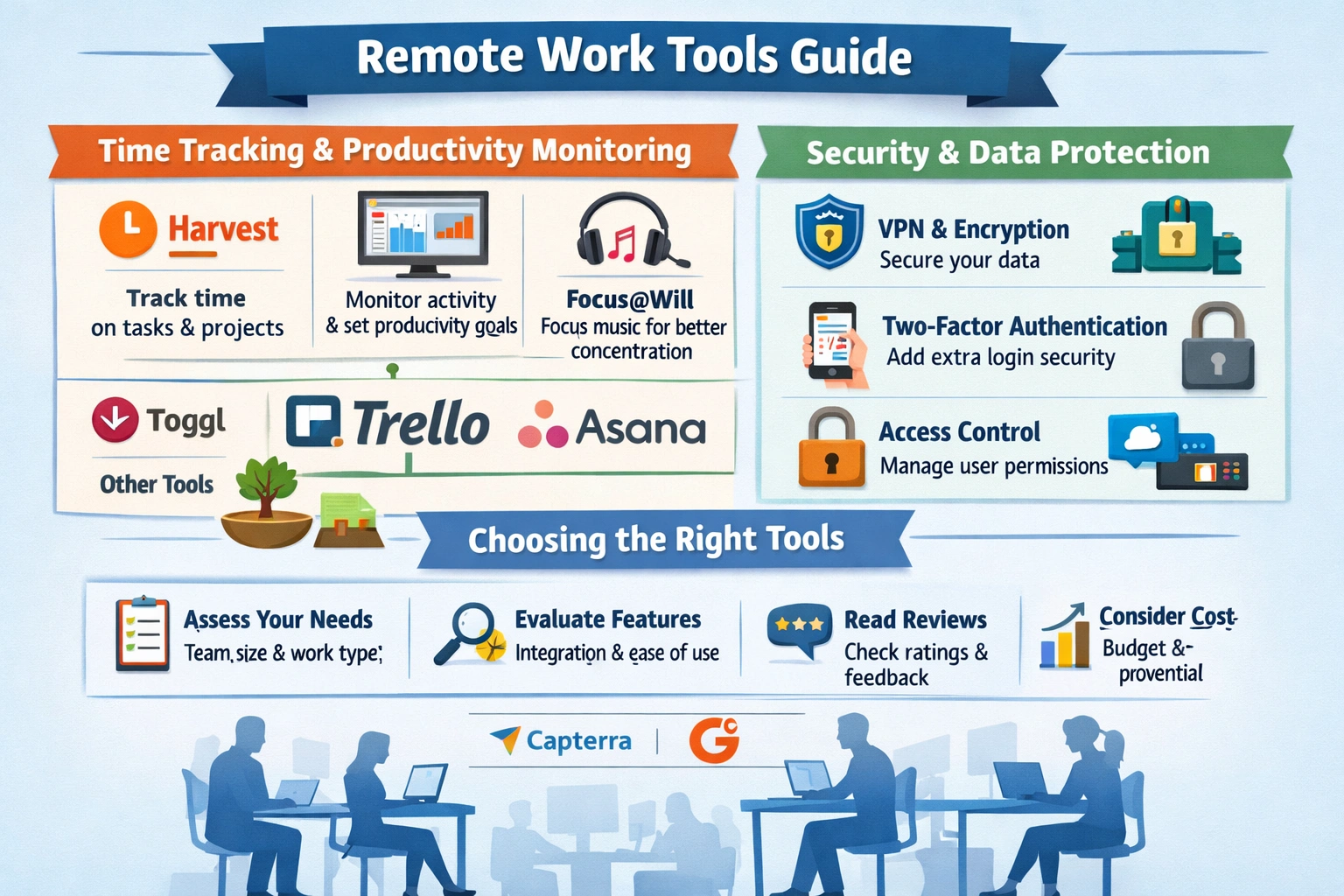 Time tracking and productivity monitoring tools help you track how much time you spend on tasks, projects, and activities, and provide insights into your productivity. Harvest is a time tracking tool that helps you track time spent on tasks, projects, and clients. You can create projects, assign tasks to team members, and set deadlines. Harvest also integrates with other apps, such as Asana and Trello, to help you track time spent on tasks and projects.
RescueTime is a productivity monitoring tool that helps you track how much time you spend on different activities, such as email, social media, and browsing. You can set goals for productivity, track progress, and receive alerts when you're distracted. Focus@Will is a music service that provides background music to help you stay focused and productive. For example, you can use Focus@Will to create a playlist for coding, writing, or designing, and use the music to help you stay focused and avoid distractions.
Other time tracking and productivity monitoring tools include Toggl, which provides a simple and easy-to-use time tracking tool, and Forest, which provides a gamified approach to productivity, using a forest that grows as you stay focused and productive. When choosing time tracking and productivity monitoring tools, consider the level of detail you need, the type of activities you want to track, and the level of integration you need with other apps. By using the right time tracking and productivity monitoring tools, you can optimize your work habits, reduce distractions, and increase productivity.
Time tracking and productivity monitoring tools help you track how much time you spend on tasks, projects, and activities, and provide insights into your productivity. Harvest is a time tracking tool that helps you track time spent on tasks, projects, and clients. You can create projects, assign tasks to team members, and set deadlines. Harvest also integrates with other apps, such as Asana and Trello, to help you track time spent on tasks and projects.
RescueTime is a productivity monitoring tool that helps you track how much time you spend on different activities, such as email, social media, and browsing. You can set goals for productivity, track progress, and receive alerts when you're distracted. Focus@Will is a music service that provides background music to help you stay focused and productive. For example, you can use Focus@Will to create a playlist for coding, writing, or designing, and use the music to help you stay focused and avoid distractions.
Other time tracking and productivity monitoring tools include Toggl, which provides a simple and easy-to-use time tracking tool, and Forest, which provides a gamified approach to productivity, using a forest that grows as you stay focused and productive. When choosing time tracking and productivity monitoring tools, consider the level of detail you need, the type of activities you want to track, and the level of integration you need with other apps. By using the right time tracking and productivity monitoring tools, you can optimize your work habits, reduce distractions, and increase productivity.
Security and Data Protection
Security and data protection are critical when working remotely, as you need to protect sensitive data and prevent unauthorized access to your systems. Encryption is a key security measure that helps protect data in transit and at rest. You can use encryption tools, such as VPN (Virtual Private Network), to encrypt data transmitted over the internet. For example, you can use a VPN to encrypt data when working with sensitive client information, or when accessing company resources remotely. Two-factor authentication is another security measure that helps prevent unauthorized access to your systems. You can use two-factor authentication tools, such as Google Authenticator, to require a second form of verification, such as a code sent to your phone, in addition to your password. Access controls are also important, as they help restrict access to sensitive data and systems. You can use access control tools, such as Okta, to manage access to your systems and data, and to ensure that only authorized personnel have access. Other security and data protection measures include backup and recovery, which helps you recover data in case of a disaster or data loss, and incident response, which helps you respond to security incidents, such as data breaches or cyber attacks. When choosing security and data protection tools, consider the level of risk you're willing to take, the type of data you need to protect, and the level of compliance you need to meet. By using the right security and data protection tools, you can protect your data, prevent unauthorized access, and maintain the trust of your clients and customers.Choosing the Right Remote Work Tools
Choosing the right remote work tools can be overwhelming, as there are many options available, each with its own features and benefits. To choose the right tools, you need to assess your needs, considering the size of your team, the type of work you do, and the level of integration you need with other apps. For example, if you have a small team, you may prefer simple communication and collaboration tools, while a larger team may require more robust project management and task automation tools. Once you've assessed your needs, you can evaluate features, considering the level of detail you need, the type of activities you want to track, and the level of integration you need with other apps. You can also read reviews and ask for recommendations from other remote workers, to get a sense of which tools are most effective and user-friendly. For instance, you can read reviews on websites like Capterra or G2Crowd, or ask for recommendations on social media or online forums. When evaluating remote work tools, consider the cost, ease of use, and level of support provided. You should also consider the scalability of the tool, as your team grows or changes. By choosing the right remote work tools, you can streamline your workflow, reduce errors, and increase productivity, and ultimately achieve your goals and objectives. Remember to regularly review and adjust your toolset as your needs change, to ensure you're always using the best tools for your remote work needs.Key Takeaways
In conclusion, remote work apps and software can help you increase productivity, enhance flexibility, and reduce costs. By choosing the right tools, you can streamline your workflow, reduce errors, and increase productivity. Remember to assess your needs, evaluate features, and read reviews to choose the right tools for your remote work needs. What will you do today to start building your remote work toolkit and achieving your goals?Frequently Asked Questions
What are the benefits of using remote work apps?
Increased productivity, flexibility, and cost savings
How do I choose the right remote work tools for my team?
Assess your needs, evaluate features, and read reviews
Related Articles
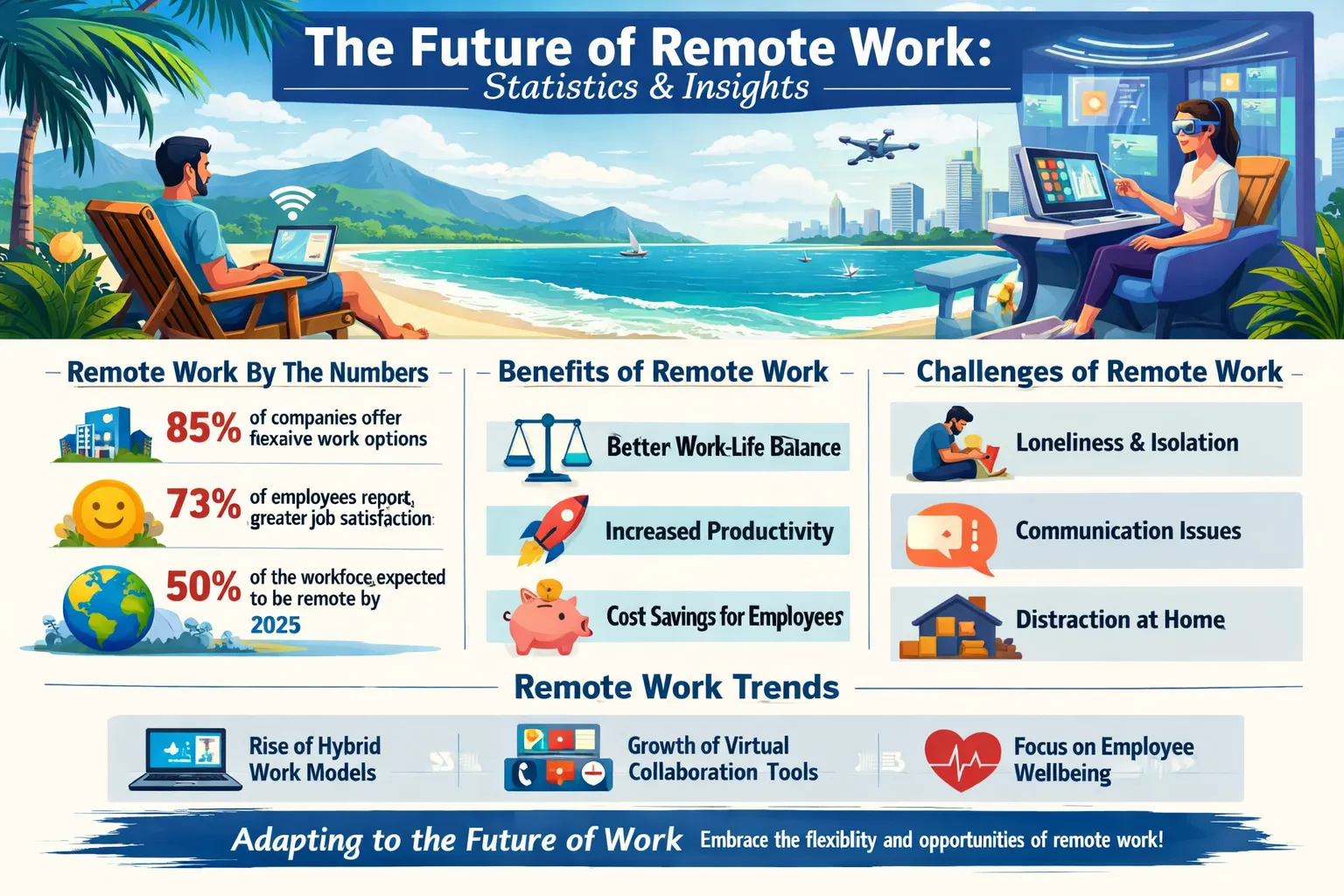
Remote Work Statistics 2026
Are you tired of the daily commute, only to sit at a desk and stare at a screen for hours on end? You're not alone. Many people are seeking a better work-life balance, and remote work has become an attractive solution. With the rise of digital communication tools and cloud-based software, it's now...
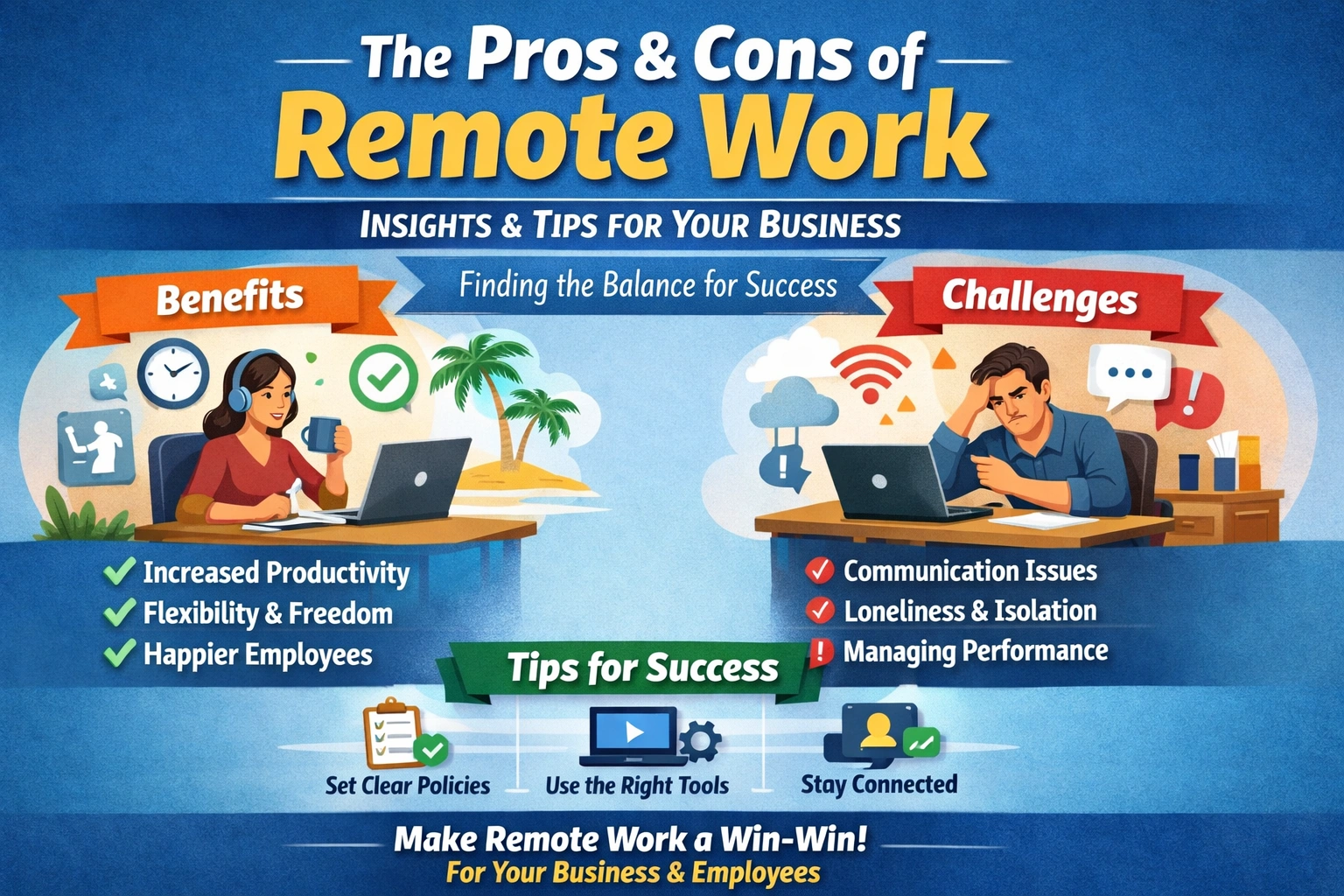
Remote Work Pros and Cons Business Case
As you consider the future of your business, you're probably weighing the pros and cons of remote work. I think it's an exciting opportunity, but also a significant challenge. You're not alone - many businesses are struggling to decide whether to adopt remote work arrangements. The good news is th...
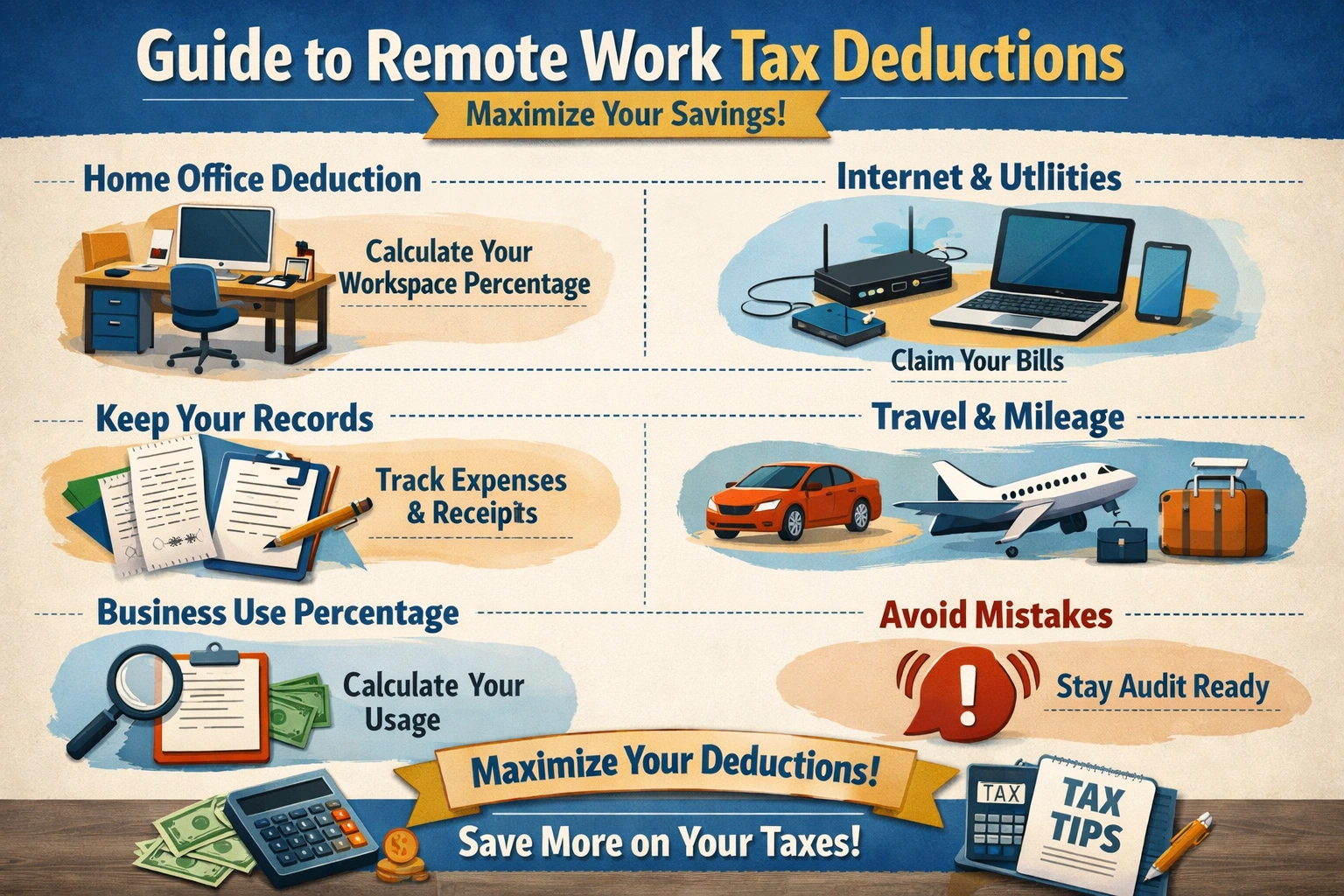
Remote Work Tax Deductions
As a remote worker, you're likely no stranger to the flexibility and freedom that comes with working from home. But with this freedom comes the responsibility of managing your own finances, including taking advantage of remote work tax deductions. You may have heard of the home office deduction, b...
Home Office Layout Ideas
Are you tired of feeling unproductive and distracted while working from home? You're not alone. Many people struggle to create a dedicated workspace that fosters focus and efficiency. A well-designed home office can be a powerful tool to boost your productivity and overall job satisfaction. By opti...